


EasyRentPro Car Rental Software
Easy Reservations Online EasyRentPro Standard EasyRentPro Cloud
Start your free, no-risk
30 day trial!
Streamline Your Rental Business with Ease and Efficiency
Navigate Success with Our Car Rental Management Software.
Welcome to Easy Rent Pro, the forefront of transforming the car rental market through a cutting-edge car rental software solution. We understand the inherent complexities and issue of running a car rental business and dedicate to drawing up software that not only simplifies the process but also tripling productivity and increasing customer service. Our developed software is the overall car rental management system offering and is sufficiently intuitive, combining all you should need for fleet support, booking organization, and enhance consumer relationship. Easy Rent Pro offers car rental management essentially a cakewalk, allowing a company to manage and maintain its auto fleet, effectively book, and engage with their consumer all in one simple platform. Our dedicated platform meets the needs of the active car rental sector, reasons to curve the face of business by putting more of it in car rental business’s hands. Take on the future of car rental management with Easy Rent Pro in which innovation meets performance.
Easy Rent Pro Car Rental Management Software is your route to better business.
Comprehensive Fleet Management
This software provides detailed oversight of every vehicle in your fleet, including maintenance schedules, availability tracking, and performance metrics. It ensures that cars are ready and in prime condition when customers need them, minimizing downtime and maximizing utilization.
Intuitive Reservation System
An excellent car rental software boasts an intuitive and accessible reservation system that accommodates online bookings, walk-ins, and reservations made through agents. It streamlines the booking process, making it quick and hassle-free for both customers and staff.
Dynamic Rate Management
Flexibility in pricing is crucial for competitiveness and profitability. The software offers dynamic rate management tools that allow for customized pricing strategies, special offers, and discounts, adapting to market demand and maximizing revenue.
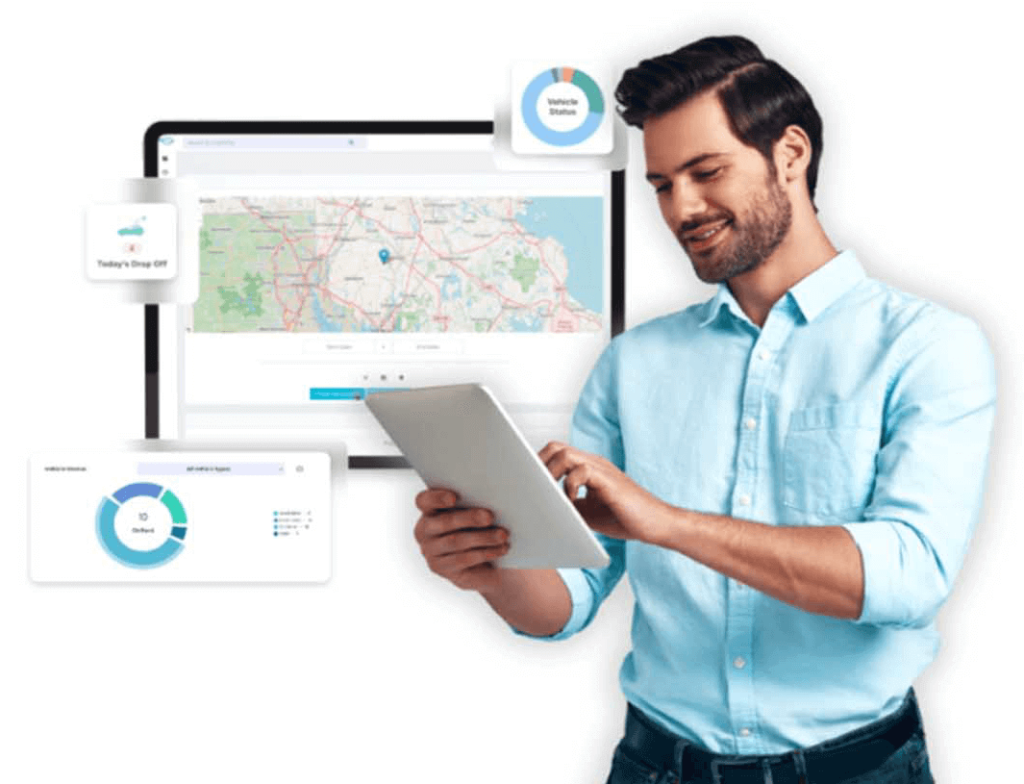

Efficient Customer Management
Centralizing customer data, including personal details, rental history, and preferences, this software enhances the personalization of services and speeds up the rental process. It facilitates better customer relationship management and loyalty programs, leading to increased satisfaction and repeat business.
Insightful Reporting and Analytics
With robust reporting tools and analytics, the software provides valuable insights into business performance, fleet utilization, customer behavior, and financial health. These insights support strategic decision-making and help identify opportunities for growth and improvement.
User-friendly Interface
A hallmark of good software is its ease of use. An intuitive, clean interface ensures that staff can perform their tasks efficiently, reducing training time and minimizing errors. It enhances productivity and allows businesses to focus more on customer service than on navigating complex software.
User-friendly Interface
A hallmark of good software is its ease of use. An intuitive, clean interface ensures that staff can perform their tasks efficiently, reducing training time and minimizing errors. It enhances productivity and allows businesses to focus more on customer service than on navigating complex software.
Scalability and Customization
The best car rental software grows with your business, offering scalable solutions that cater to small, medium, and large enterprises. Customizable features and integrations with other tools ensure that the software can adapt to specific business needs and evolving industry trends.
Reliable Support and Continuous Updates
Ongoing support and regular updates are essential for keeping the software aligned with the latest technological advancements and regulatory requirements. Reliable customer support ensures that any issues are promptly addressed, maintaining smooth business operations.
The Only Future-Ready Technology in the
Choose the Best Car Rental System for your Business
Product features

The only vehicle rental software you need, whatever your industry
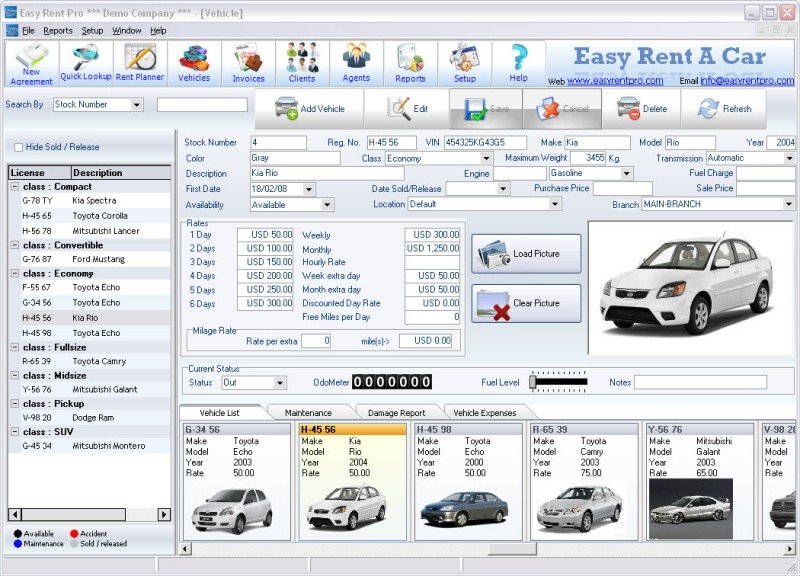
EasyRentPro software is user friendly and includes all feature for an Effective and smooth operation of your car rental business.
This standard software is available in English, Spanish, Dutch, French, Portuguese and Italian so it is usable in countries worldwide.
This Windows Based Software can be installed on multiple workstation in your single rental location to allow all your operators serve your clients at the same time for a smooth business process.
EasyRentPro has a direct integration with QuickBooks to save time by avoiding manual input in Quickbooks.
No installation, Car rental software available 24/7 on any device.
Seasonal, distance, promotional and other rate options to suit your bussines.
